ChickDetect

I-scan ang dumi.Scan the droppings. Makita agad ang sakit.Spot sickness early.

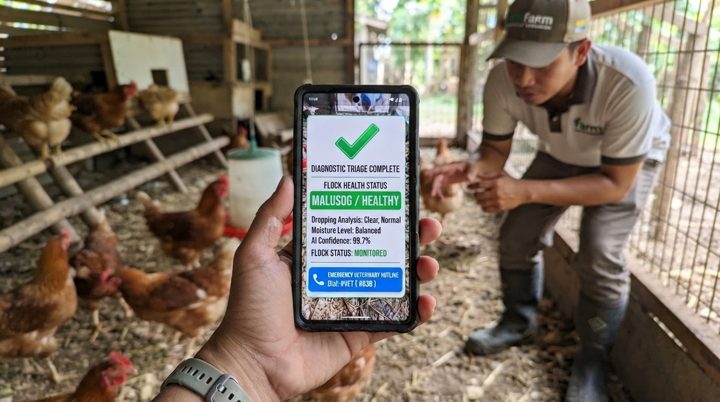
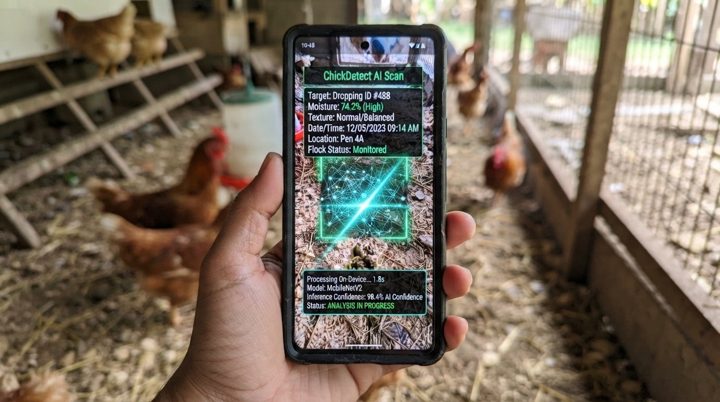
Ang ChickDetect ay app na sumusuri sa litrato ng dumi ng manok para malaman kung malusog ito o may palatandaan ng sakit — kahit walang internet. ChickDetect is an app that checks a photo of a chicken dropping to tell whether it looks healthy or shows signs of disease — even offline.

“Mas madaling pigilan ang sakit kapag maaga itong nakita.” “Disease is easier to stop when it is caught early.”
I-downloadDownload

Bersyon 2.0.0 · 52.5 MB · Android 7.0 pataas Version 2.0.0 · 52.5 MB · Android 7.0 or newer

Android lang muna ang app.The app is Android only for now. Sa iPhone, puwede mong silipin ang app sa browser, pero sa Android phone lang gumagana ang pag-scan. On iPhone you can look around the app in the browser, but scanning only works on an Android phone.

Silipin sa browserPreview in the browser
QR code para sa download

I-scan gamit ang Android phoneScan with your Android phone Para direktang ma-download at ma-install sa phone mo. To download and install it straight on your phone.
o i-download ang APK dito (52.5 MB)or download the APK here (52.5 MB)
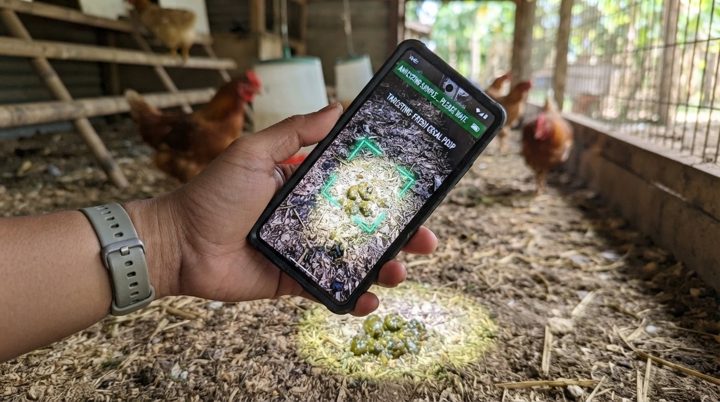
Ang problemaThe problem

Huli na kapag napansin ang sakit.Sickness is noticed too late.

Sa maliliit na farm at bakuran, madalas nang kumalat ang sakit bago pa ito makita.On small farms and backyards, disease often spreads before anyone sees it.

01

Mahirap makita agadHard to spot early

Mukhang normal pa ang manok sa unang mga araw ng sakit.Chickens still look normal in the first days of illness.

02

Malayo ang beterinaryoVets are far away

Mahal at matagal ang pagpapatingin, lalo na sa probinsya.A check-up is costly and slow, especially in the provinces.

03

Mabilis kumalatIt spreads fast

Isang may sakit na manok, puwedeng mahawa ang buong kulungan.One sick bird can infect the whole coop.

Ang solusyonThe solution

Isang litrato lang ng dumi.Just one photo of a dropping.

Ipinapakita ng dumi ang kalusugan ng manok. Sinusuri ito ng ChickDetect sa telepono mo mismo.Droppings show a chicken's health. ChickDetect checks them right on your phone.

1

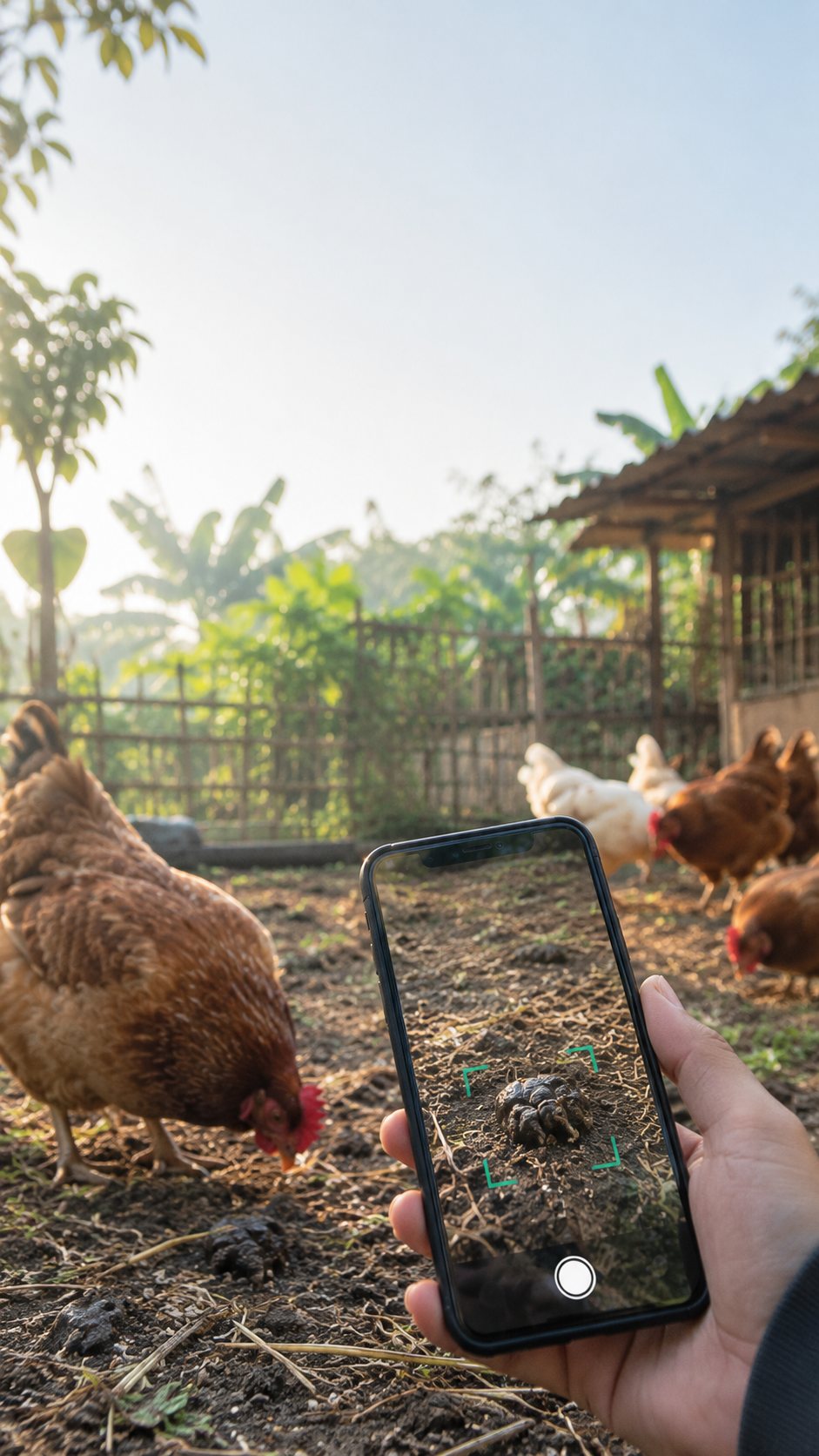
Kunan ng litratoTake a photo

Itapat ang camera sa sariwang dumi.Point the camera at a fresh dropping.

2

Susuriin ng appThe app checks it

Sa telepono mismo — walang internet.On the phone itself — no internet.

3

Alamin ang gagawinKnow what to do

Resulta, payo, at kailan tatawag sa beterinaryo.The result, advice, and when to call a vet.

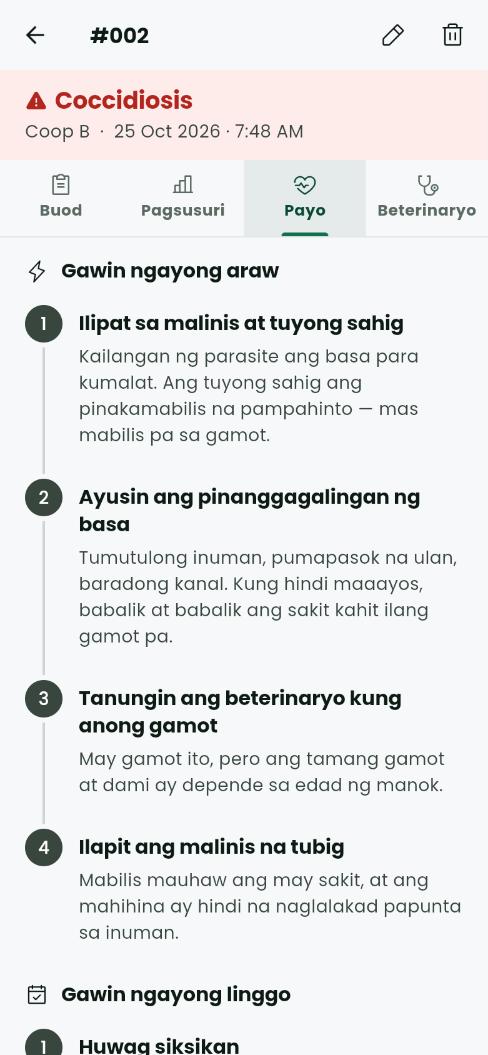
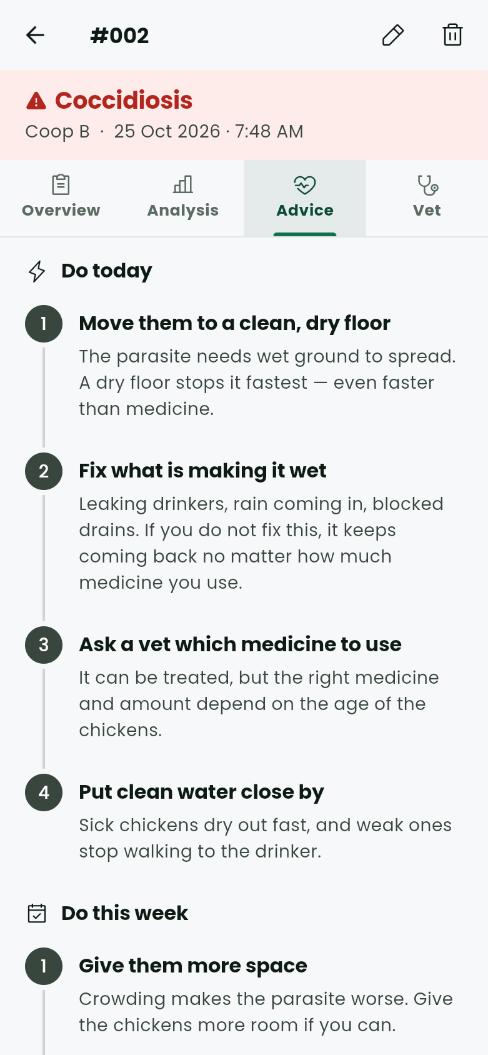
Screen ng ChickDetect: Coccidiosis, at ang mga gagawin ngayong araw ChickDetect screen: Coccidiosis, and what to do today

Sa loob ng appInside the app

Ganito ang makikita mo pagkatapos mag-scan.This is what you see after a scan.

  • Ang resultaThe result Malusog, o ang pangalan ng posibleng sakit.Healthy, or the name of the likely disease.
  • Mga gagawin ngayonWhat to do now Malinaw na hakbang para sa unang 24 oras at sa linggong ito.Clear steps for the first 24 hours and this week.
  • Kailan tatawag sa beterinaryoWhen to call a vet Isang pindot lang para tawagan ang naka-save na numero.One tap to call a saved number.

FeaturesFeatures

Ano ang kaya ng ChickDetectWhat ChickDetect can do

Simple, mabilis, at para sa bawat nag-aalaga ng manok.Simple, fast, and made for every chicken keeper.

4 na resulta4 results

Malusog, Coccidiosis, Salmonella o Newcastle Disease.Healthy, Coccidiosis, Salmonella or Newcastle Disease.

Walang internetWorks offline

Gumagana kahit nasa bukid na walang signal.Works even on a farm with no signal.

Payo sa pag-aalagaCare advice

Mga hakbang na gagawin ngayong araw at ngayong linggo.Steps to take today and this week.

Tawag sa beterinaryoCall a vet

I-save ang numero at tumawag sa isang pindot.Save numbers and call in one tap.

Listahan ng scanScan history

Bantayan ang kalusugan ng kulungan sa paglipas ng panahon.Track your coop's health over time.

Tagalog at EnglishTagalog and English

Simpleng salita na madaling maintindihan.Plain words that are easy to follow.

I-download at i-installDownload and install

Apat na hakbang, mga isang minuto.Four steps, about a minute.

Wala pa sa Play Store ang ChickDetect, kaya direkta itong ini-install mula sa file. Ito ang mga makikita mo sa phone:ChickDetect is not on the Play Store yet, so it installs straight from the file. This is what your phone will show:

  1. I-downloadDownload Pindutin ang I-download sa Android phone mo. Kung may babala ang browser, piliin ang:Tap Download on your Android phone. If the browser warns you, choose:
    I-download pa rinDownload anyway
  2. Buksan ang fileOpen the file Pindutin ang file sa notification o sa Downloads:Tap the file in the notification or in Downloads:
    ChickDetect.apk
  3. Payagan ang pag-installAllow the install Kapag tinanong, i-on ito, saka bumalik:If asked, turn this on, then go back:
    Payagan mula sa source na itoAllow from this source
  4. I-install at buksanInstall and open Pindutin ang dalawang ito, saka payagan ang camera:Tap these two, then allow the camera:
    InstallOpen
Babala ng Play Protect?Play Protect warning? Normal ito sa mga app na wala pa sa Play Store. Pindutin ang This is normal for apps not on the Play Store yet. Tap Higit pang detalyeMore details → I-install pa rinInstall anyway
I-downloadDownload

Bersyon 2.0.0 · 52.5 MB · Android 7.0 pataas Version 2.0.0 · 52.5 MB · Android 7.0 or newer

Silipin sa browserPreview in the browser

Sa Android phone lang gumagana ang pag-scan.Scanning only works on an Android phone.

QR code para sa download

I-scan gamit ang Android phoneScan with your Android phone Para direktang ma-download at ma-install sa phone mo. To download and install it straight on your phone.
o i-download ang APK dito (52.5 MB)or download the APK here (52.5 MB)
Nagda-download na…Downloading…

Kapag tapos na, buksan ang ChickDetect.apk sa notification o sa Downloads, saka pindutin ang Install.When it finishes, open ChickDetect.apk from the notification or Downloads, then tap Install.

Nasa computer ang file. Ilipat ito sa Android phone mo — o mas madali, i-scan ang QR code gamit ang phone.The file is on your computer. Move it to your Android phone — or, easier, scan the QR code with the phone.

Tingnan ang mga hakbangSee the steps